
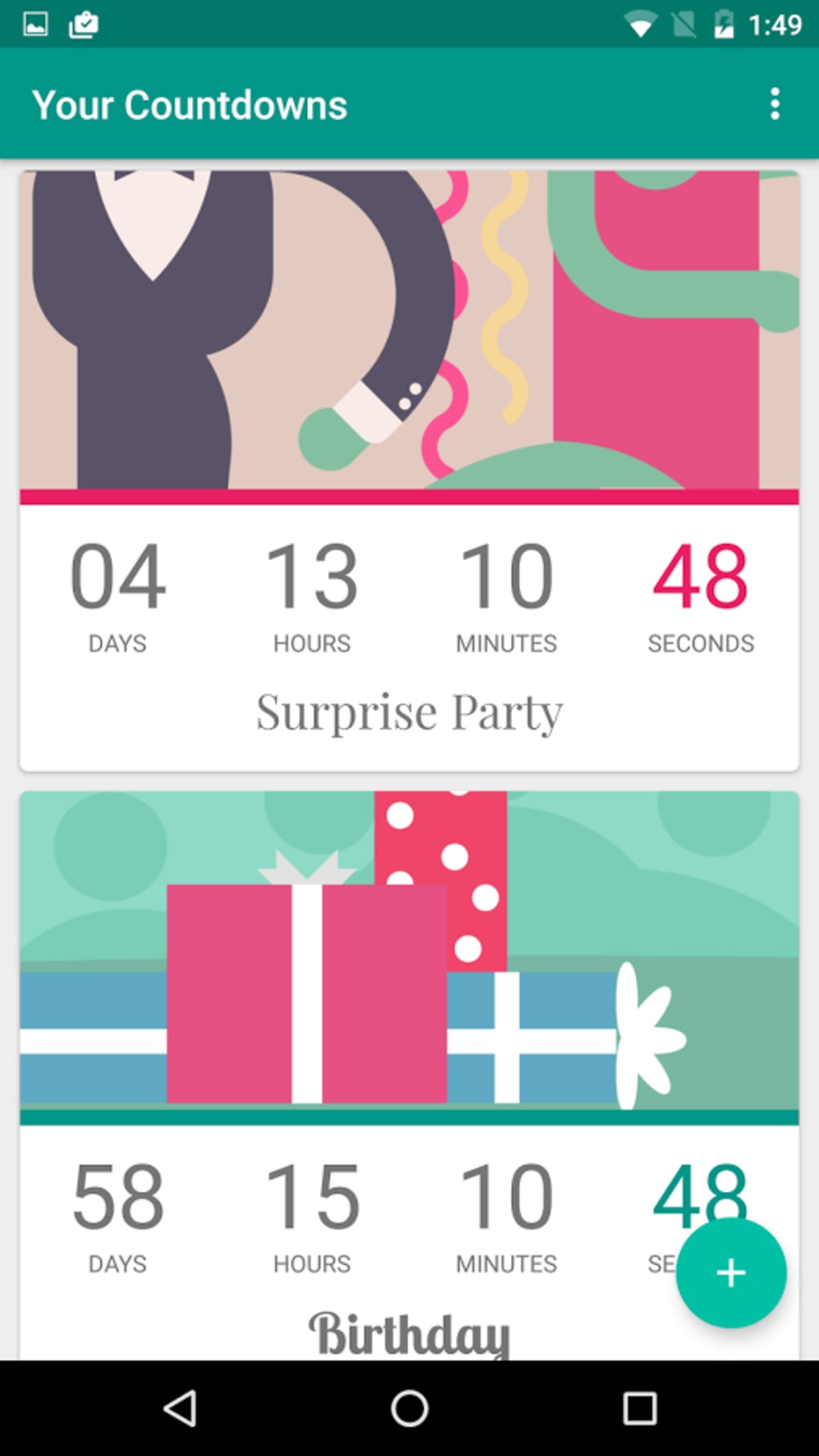
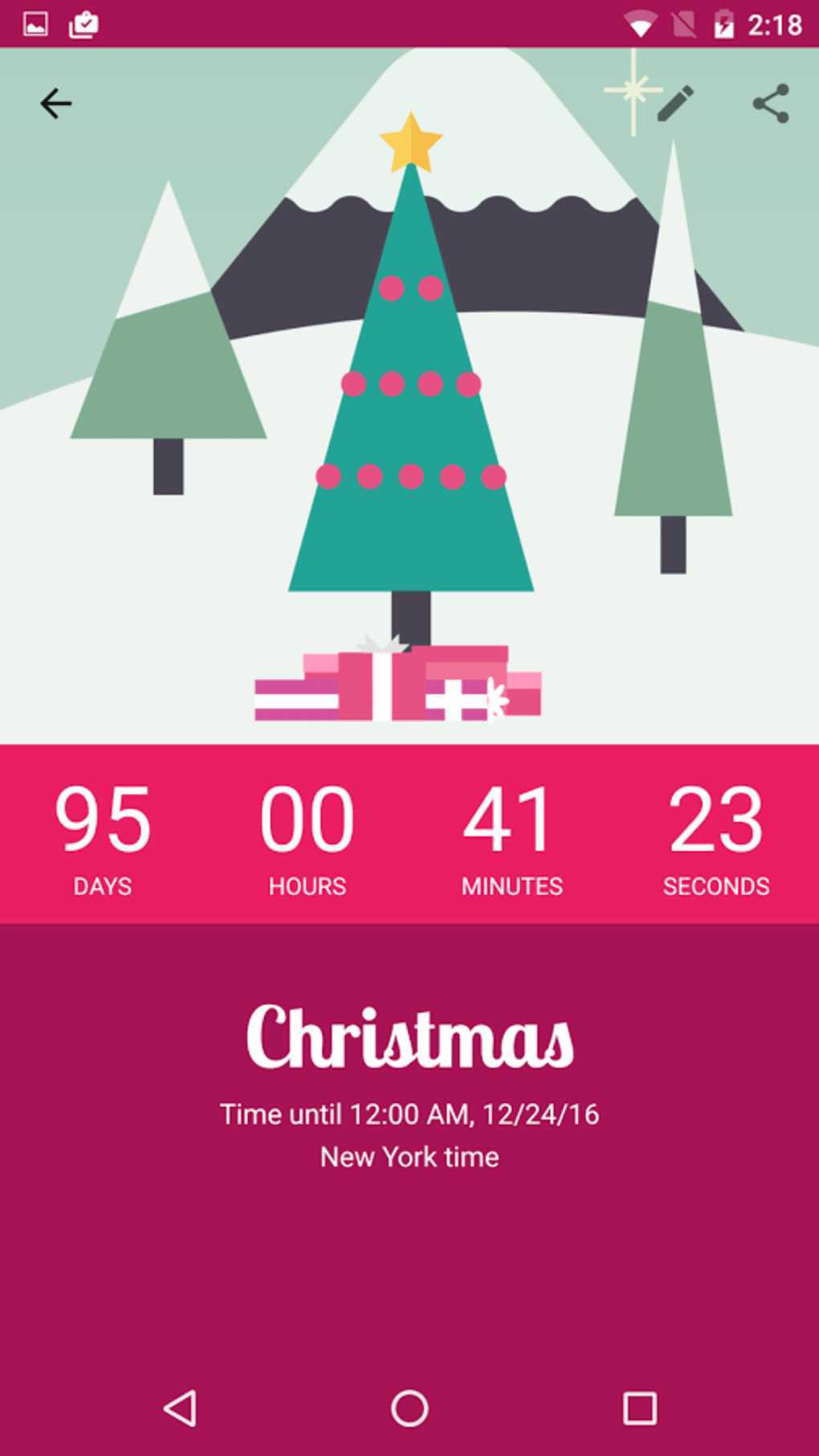
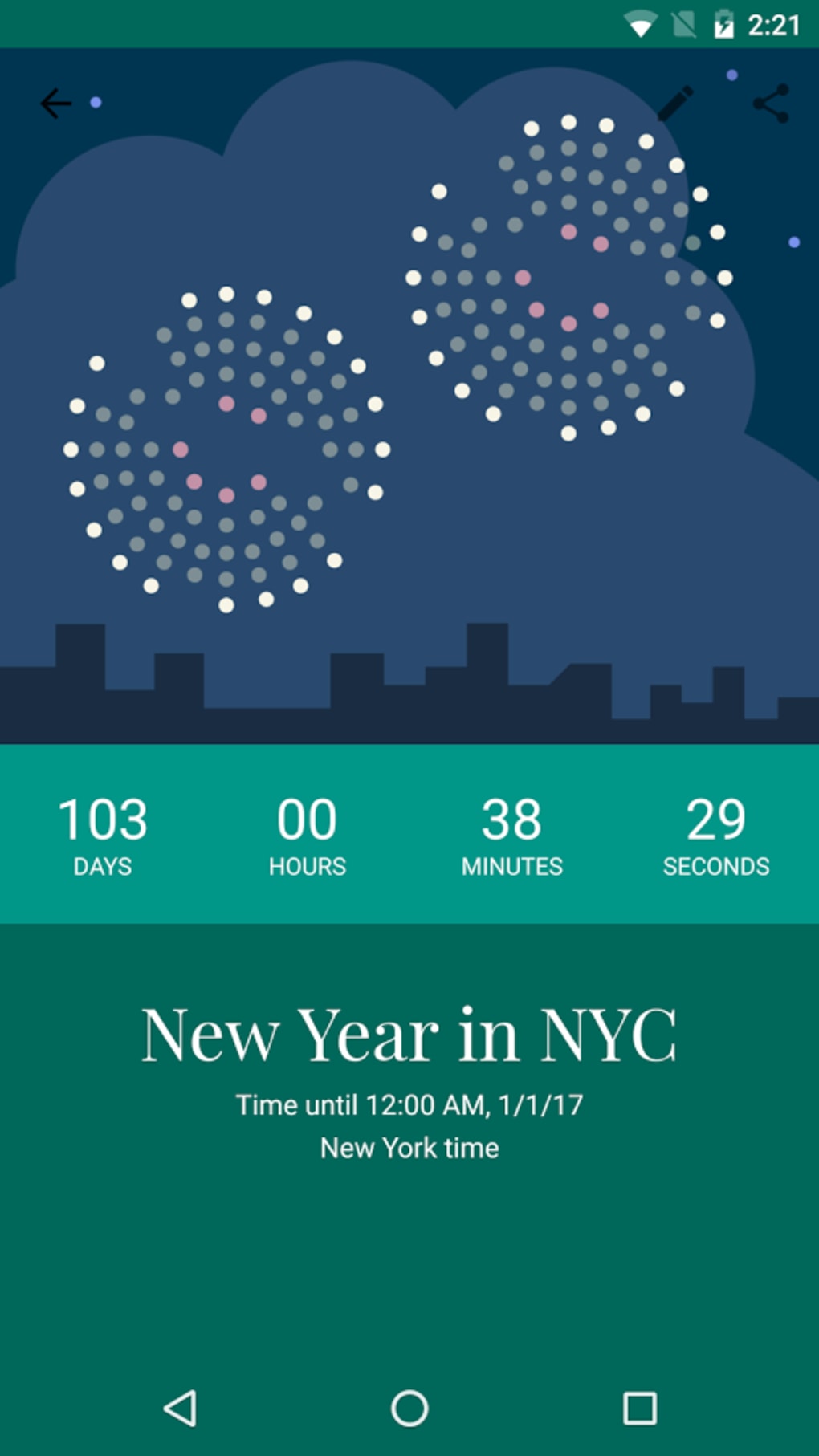

Download Countdown by timeanddate.com – countdown, event tracker, party countdown, time countdown, countdown timer, countdown clock, free countdown app
Overview
Countdown by timeanddate.com is a desktop utility designed to help users track upcoming events with precision. The software enables individuals to set custom countdowns for any occasion—be it a birthday, wedding, concert, or holiday—providing a real-time display of days, hours, and minutes remaining. It is particularly suited for social users and event enthusiasts who want to stay engaged with the anticipation of special moments.
The app is developed by timeanddate.com, a well-known provider of time and date information services, lending credibility to its accuracy and reliability. Users can input event details manually and receive continuous visual updates. The application supports both Windows and Mac platforms, making it accessible to a broad audience.
While the core function is straightforward, it integrates supplementary tools such as photo uploads and customizable themes, enhancing the personalization of the countdown experience. The developer did not provide additional system requirements, and the app is available at no cost, aligning with its goal of broad accessibility.
Key Features & Capabilities
- Custom Event Countdowns: Users can define any event and set a specific date and time. The app automatically calculates and displays the remaining time in days, hours, and minutes.
- Photo Integration: The ability to upload images related to the event allows users to visualize their upcoming celebration, adding emotional context to the countdown.
- Thematic Customization: A selection of visually appealing themes is available to personalize the interface, allowing users to match the mood of their event.
- Map Integration: Users can associate events with geographic locations using maps, which is helpful for tracking travel plans or public events.
- Free Access with Optional Paid Features: The core countdown functionality is available at no cost; however, certain features like photo sharing may require a fee.
These features are especially useful for individuals planning parties, weddings, or travel. For example, a user organizing a destination wedding can upload a photo of the venue, apply a romantic theme, and set the countdown to stay visible on their desktop. The map feature helps track travel logistics, while the time display keeps the excitement building. The developer did not specify performance details, so real-world behavior may vary based on system configuration.
User Interface, Workflow & Performance
The user interface of Countdown by timeanddate.com is designed with simplicity and clarity in mind. The main window displays the countdown in large, readable text, with options to toggle between different time units. Navigation is intuitive, with clearly labeled sections for adding events, managing settings, and accessing customization tools.
The workflow follows a logical sequence: create an event → set date/time → apply media or theme → view countdown. Users can switch between events easily, making it ideal for those tracking multiple occasions. The developer did not specify resource usage details, so general performance behavior is based on typical desktop application patterns.
No reports of crashes or instability were mentioned in the provided information. The app operates smoothly on both Windows and Mac, though exact CPU or RAM consumption was not disclosed. Stability is assumed to be consistent with standard utility software, given the absence of known issues.
Compatibility & System Requirements
Countdown by timeanddate.com is compatible with both Windows and Mac operating systems. The software is available in version 1.0 and has a file size of 15.8 MB, indicating a lightweight installation. The developer did not provide detailed hardware requirements, so users should expect minimal system demands based on the app’s size and function.
Compatibility with older versions of Windows and macOS is not explicitly confirmed. The installation process is likely straightforward, as no complex setup steps were mentioned. Users are advised to verify system compatibility with their specific OS version, as detailed requirements were not listed.
The app is designed for desktop use and does not support mobile platforms.
Pros and Cons
Pros
- Free to download and use for core features
- Intuitive interface with clear visual feedback
- Supports custom event tracking with real-time updates
- Offers photo uploads and thematic customization
- Available on both Windows and Mac platforms
Cons
- Some advanced features, like photo sharing, may require payment
- Exact system requirements were not provided
- Performance metrics such as CPU or memory usage are unspecified
- Limited information on update frequency or support channels
FAQ Section
Is Countdown by timeanddate.com available for free?
Yes, the software is available at no cost. The core countdown functionality is free to use, though some features may have associated fees.
Can I use the app on both Windows and Mac?
Yes, the app supports both Windows and Mac operating systems.
Is the app secure to download and install?
As the software is distributed by timeanddate.com, a reputable source, it is considered secure. Users should download from official channels to ensure authenticity.
Are updates automatically provided?
The update mechanism was not specified. Users should check the official website for the latest version.
Can I use the app offline?
Yes, the app functions without an internet connection once installed, though some features may require online access.
Final Thoughts + CTA
Countdown by timeanddate.com delivers a focused, user-friendly experience for tracking upcoming events. Its clean interface, customizable themes, and photo integration make it ideal for social users and event planners. While the free model is appealing, users should be aware that certain features may incur additional costs.
The lack of detailed system requirements and performance data limits in-depth evaluation, but the app’s lightweight size and broad OS support suggest broad accessibility. For anyone looking to stay engaged with the excitement of a big event, this desktop tool offers a reliable and visually engaging solution. Download Countdown by timeanddate.com now to keep your next celebration on schedule.





.png)

